Docker Init
Docker has revolutionized the way developers build, package, and deploy their applications. Docker containers provide a lightweight, portable, and consistent runtime environment that can run on any infrastructure. And now, the Docker team has developed docker init, a new command-line interface (CLI) command introduced as a beta feature that simplifies the process of adding Docker to a project.
Note: Docker Init should not be confused with the internally-used docker-init executable, which is invoked by Docker when utilizing the –init flag with the docker run command.
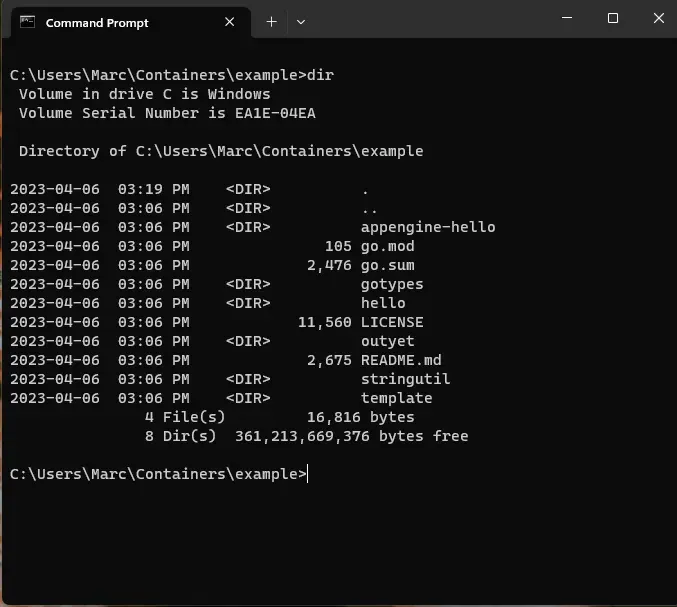
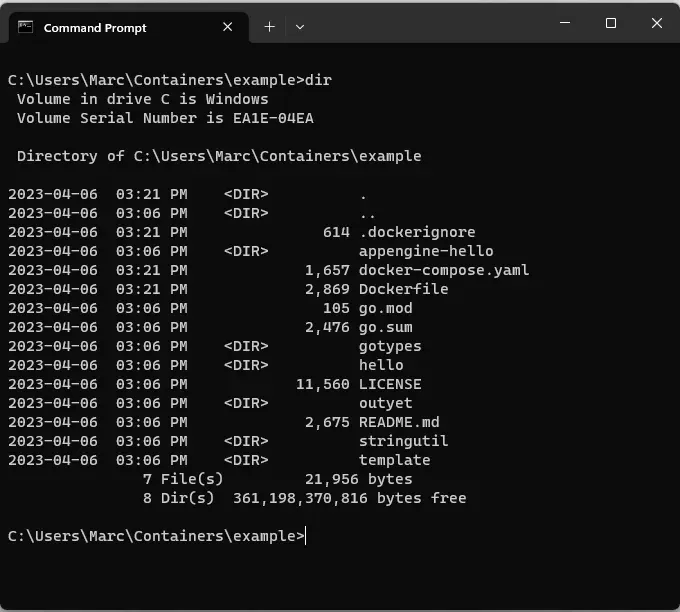
With one command, all required Docker files are created and added to your project.
Create assets automatically
The new docker init command automates the creation of necessary Docker assets, such as Dockerfiles, Compose files, and .dockerignore files, based on the characteristics of the project. By executing the docker init command, developers can quickly containerize their projects.
To use docker init, developers need to upgrade to the version 4.19.0 or later of Docker Desktop and execute the command in the target project folder.
The current Beta release of docker init supports Go, Node, and Python, and our development team is actively working to extend support for additional languages and frameworks, including Java, Rust, and .NET.
In conclusion, docker init is a valuable tool for developers who want to simplify the process of adding Docker support to their projects.
See Docker Init in action
To see docker init in action, check out the overview video by Francesco Ciulla on YouTube.
Note: this post was originally posted externally — go to Docker’s blog to read the full post.